Why I built it
SitePunch started with my own renovation. Everything about the job was going back and forth over text, and a few tasks kept getting lost in the thread. I needed a better way to tell my contractors what needed to be done.
They weren't very tech-savvy, and for some of them English wasn't their first language, so marking up photos was key. I knew they wouldn't want to make an account just to see the list, so I made it simple: they just confirm their phone number. Over the months I've been fine-tuning and simplifying the process, so hopefully more folks will find it helpful.
A little about me: I've been building web apps for almost 30 years, so this was right up my alley. I'm still building and I'd love any suggestions or feedback!
— Scott
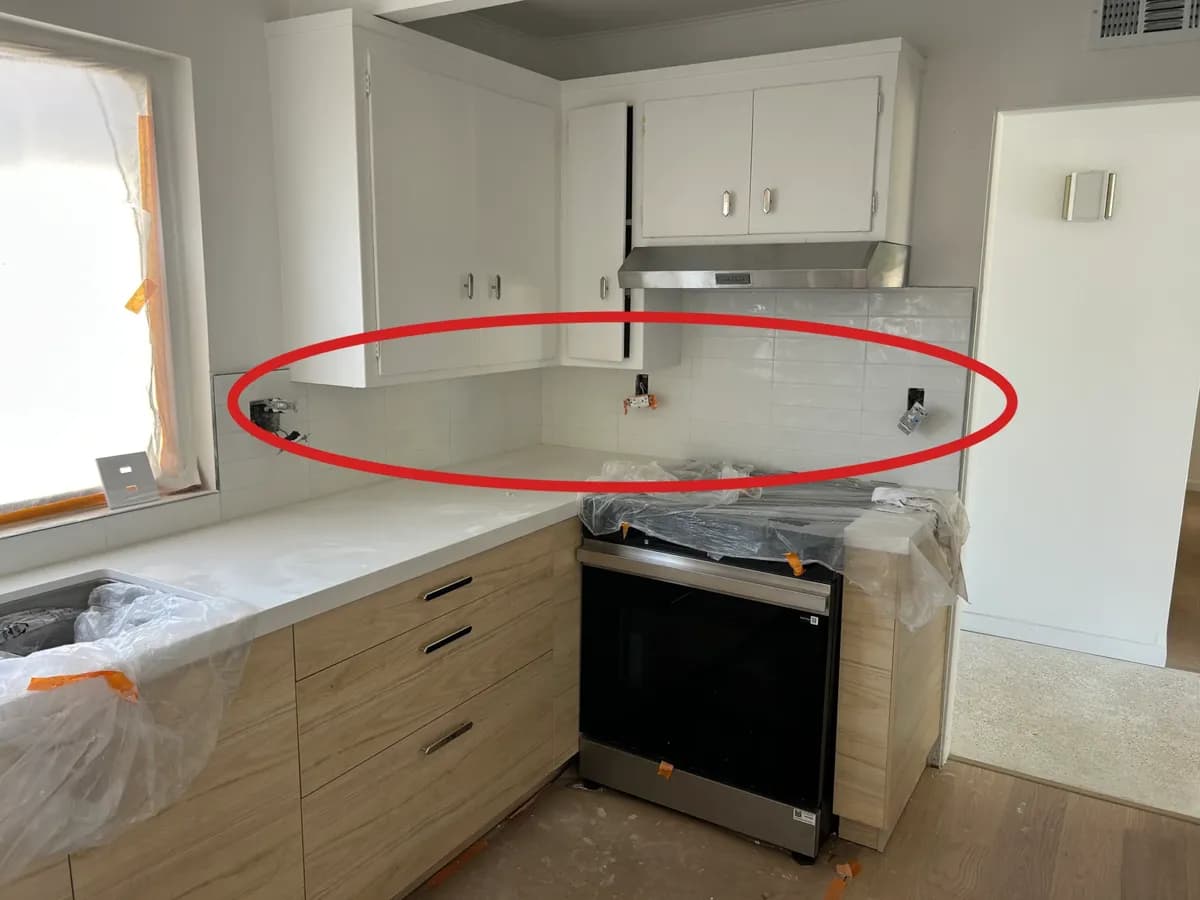

For general contractors
Walk the job, add punch items with photos, send each sub their list, and sign off the work before it closes. After handover, a QR code collects warranty callbacks.
For property managers
Post a QR code and anyone can report a problem with a photo. You review each report, text your vendor a link, and keep a history of every repair.
Simple for whoever fixes it
Subs and vendors don't need a password or an app. They open the link, confirm their phone number, and work from the same list you see.
How SMS fits into the product
SitePunch currently uses service-related SMS text messages for one-time login codes only. Project owners share project links themselves after adding an approved phone number to the access list.
That distinction matters because user-requested login texts are lower risk than unsolicited promotional texts, and SitePunch is not built as a general outbound texting product.
What SitePunch is meant to replace
It's designed to replace spreadsheet handoffs, scattered text threads, hallway requests, and missing context between the first report and the final sign-off.
- One project link instead of forwarding photos across separate texts.
- One issue record instead of matching notes back to a camera roll later.
- One QR code instead of repair requests by text, sticky note, and hallway conversation.
- One review step so completed work does not disappear before it is checked.
Need the policies too?
Review how SitePunch handles phone numbers, project data, and service-related texts.